25% OFF YOUR FIRST ORDER Sample offer
clickfree
THEMemory Edit
ADVERTISEMENT

Why your most precious memories deserve a home beyond your phone.

The first steps. The familiar faces. The moments you can’t recreate. Discover a simple way to keep a copy close—and make room for more.

Your phone holds more than pictures. It holds the birthday candles, the family holidays, and the everyday moments that became your favorites. But phones fill up, get lost, and eventually stop working. ClickFree helps you keep another copy of your photos and videos on a physical drive, with a simple backup workflow for compatible devices. You can also digitize printed photographs, so the memories in your albums can become part of the collection you share.


1. Bring the memories in your albums along.

Digitize printed photographs and add them to your collection. Keep a digital copy of familiar faces and long-ago moments, ready to revisit and share with family.

2. See old memories in a new light.

Explore AI photo tools to colorize and retouch digitized pictures. Keep the original, then create a fresh version to enjoy and share. Available tools and AI credits depend on your offer.

3. Keep another copy of the moments that matter.

A lost or broken phone shouldn’t mean losing your favorite photos. Back up photos and videos to a physical drive, so your phone isn’t the only place they live.

Customer Reviews

4.8/5 From 1,000,000+ Happy Customers

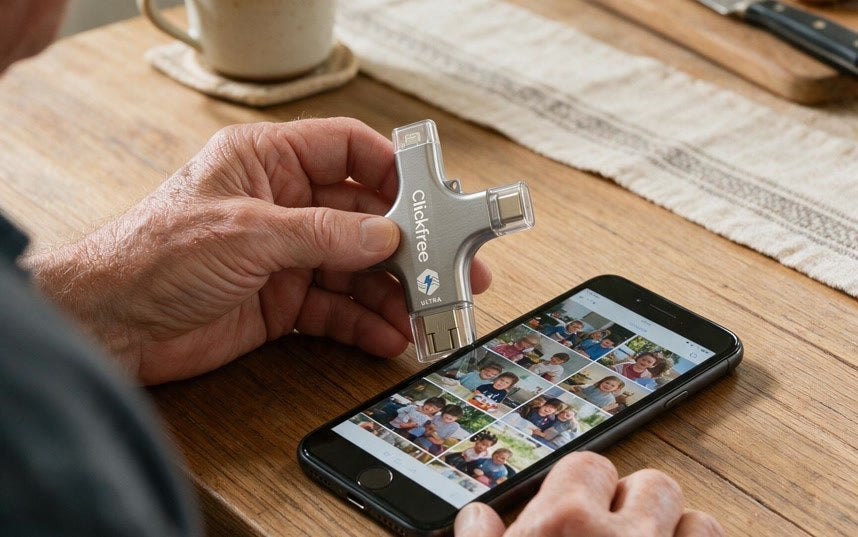
ClickFree connected to a phone displaying photos

1,185 Photos In 5 Minutes

5 out of 5 stars
"I just uploaded 1185 pictures and videos from my Samsung. Boy, it was fast. It took maybe 5 minutes tops. What a great piece of engineering and I am a truly happy customer."
Coleen HildebrandVerified Customer
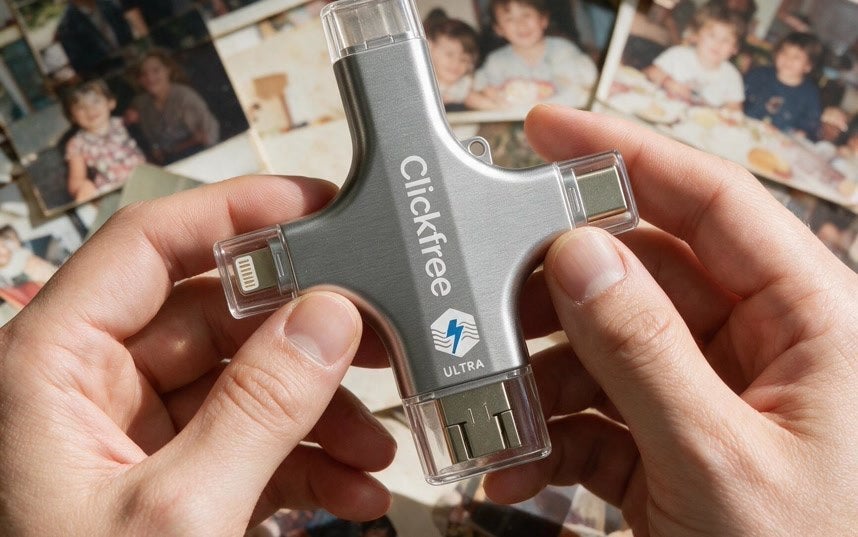
ClickFree held beside printed family photographs

Freed Up So Much Space

5 out of 5 stars
"Freed up loads of space on my smartphone and great little features like turning black and white photos into colour. Great scan facility on there too."
MRVerified Customer
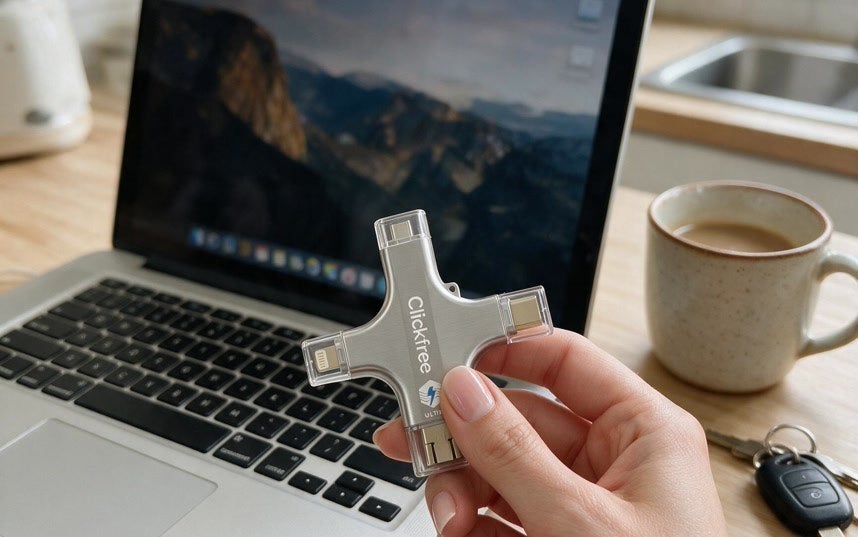
ClickFree held beside a laptop

Backed Up All My Contacts Too

5 out of 5 stars
"This is a great way to free up space and preserve your photos. I also backed contacts incase I ever lose them. It is important in my job to have all my contacts. I highly suggest trying the click."
RobinVerified Customer

4. Make room for the next chapter.

When your phone starts filling up, save another copy of your photos and videos. Check that your backup is complete before removing anything from your phone.

5. Enhance the color. Rediscover the detail.

Give favorite photos a fresh look with AI tools that enhance image quality and color. Revisit familiar faces and moments with a new perspective. Available tools and AI credits depend on your offer.

6. Keep the moment. Remove the distraction.

An unwanted object doesn’t have to take attention away from a favorite photo. Use AI object removal to edit out distractions and bring the focus back to what matters. Results vary by image.

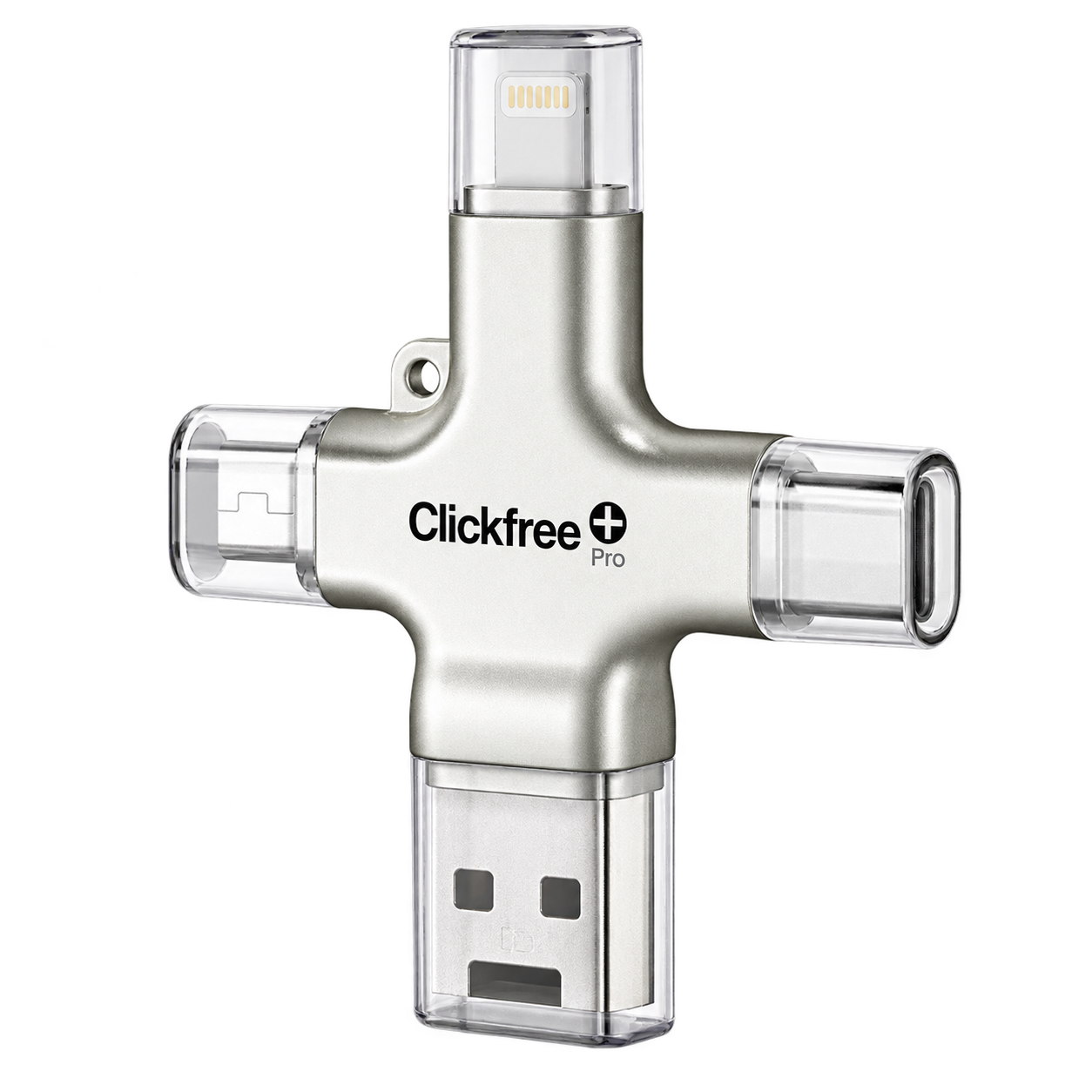
Silver ClickFree Pro backup device
Special Sale

LIMITED-TIME SAVINGS

Save Up To 50%Today Before This Offer Ends

Over 1 million people are enjoying peace of mind about their precious memories with Clickfree. For a limited time, you can try it yourself and get up to 50% off plus free shipping and a 30-day money back guarantee before this promotion ends.

  • Free Returns
  • 30-Day Money Back Guarantee
  • Fast Shipping
  • Rated 4.8
Check Availability
Sell-Out Risk: HighFREE Shipping

A FEW THINGS TO KNOW

Your questions, answered.

What does ClickFree back up?

ClickFree supports photo and video backup. Other supported files and features vary by model and app, so check the details of the specific offer you choose.

Will it work with my phone or tablet?

Compatibility depends on the ClickFree model, your device’s connector, and its operating system. Check the offer’s compatibility information before ordering, including any required app.

Can I use it for printed photographs?

You can digitize printed photographs using the supported scanning feature. Follow the app’s instructions, use even lighting, and check each scan before saving it.

Does it replace my cloud backup?

It provides a physical copy of supported files. You can keep using cloud backup too; keeping more than one copy in different places helps avoid relying on a single device.

Can I delete photos after backing them up?

First confirm the backup completed and open the saved files to check them. Keep another copy of irreplaceable photos. If your phone uses cloud photo syncing, check how deleting a photo affects your other devices and cloud library.

Are AI photo tools included?

Available AI tools, included credits, and any additional charges depend on the package. Check your offer for the exact editing features and terms.