
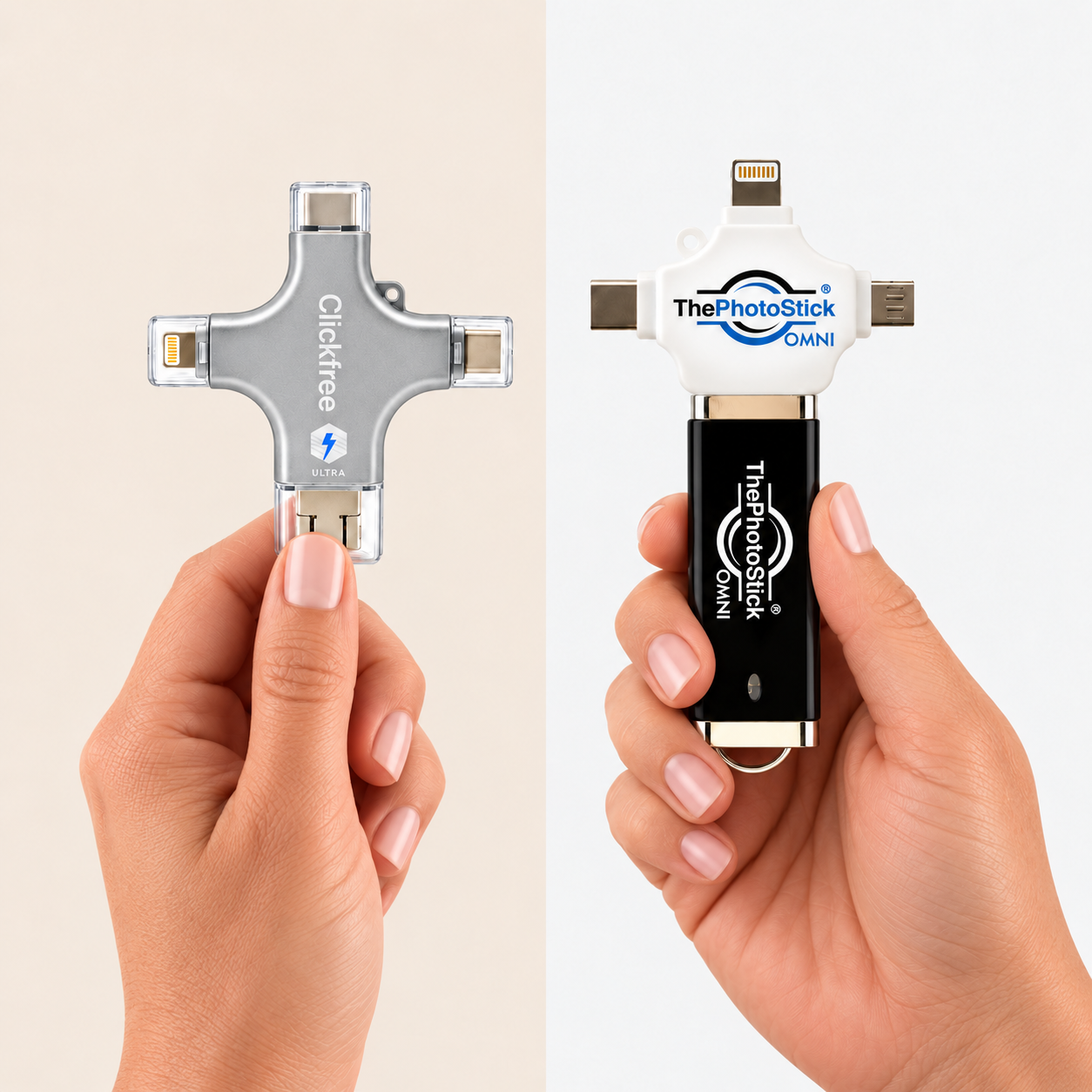
There’s something reassuring about having a copy of your memories you can actually hold. If you’re uncomfortable relying entirely on the cloud—or simply want another copy of the photos you couldn’t bear to lose—a physical backup can feel like a practical next step.
But the memories worth keeping aren’t all on your phone. Some are tucked inside albums, stacked in shoeboxes, or waiting to be shared with children, grandchildren, and old friends.
That’s what brought us to ThePhotoStick Omni and Clickfree Ultra. Both offer physical photo backup. We compared them through five questions that matter to the person looking after the family collection: how easy is it, what about printed photos, can you refresh old pictures, how do you share them, and what do you get for your money?
We focused on preserving both digital and printed family photos, comparing the features described by each manufacturer. We haven’t measured transfer speed or long-term reliability. Before choosing either device, check that it works with your phone or computer.
Meet the Contenders
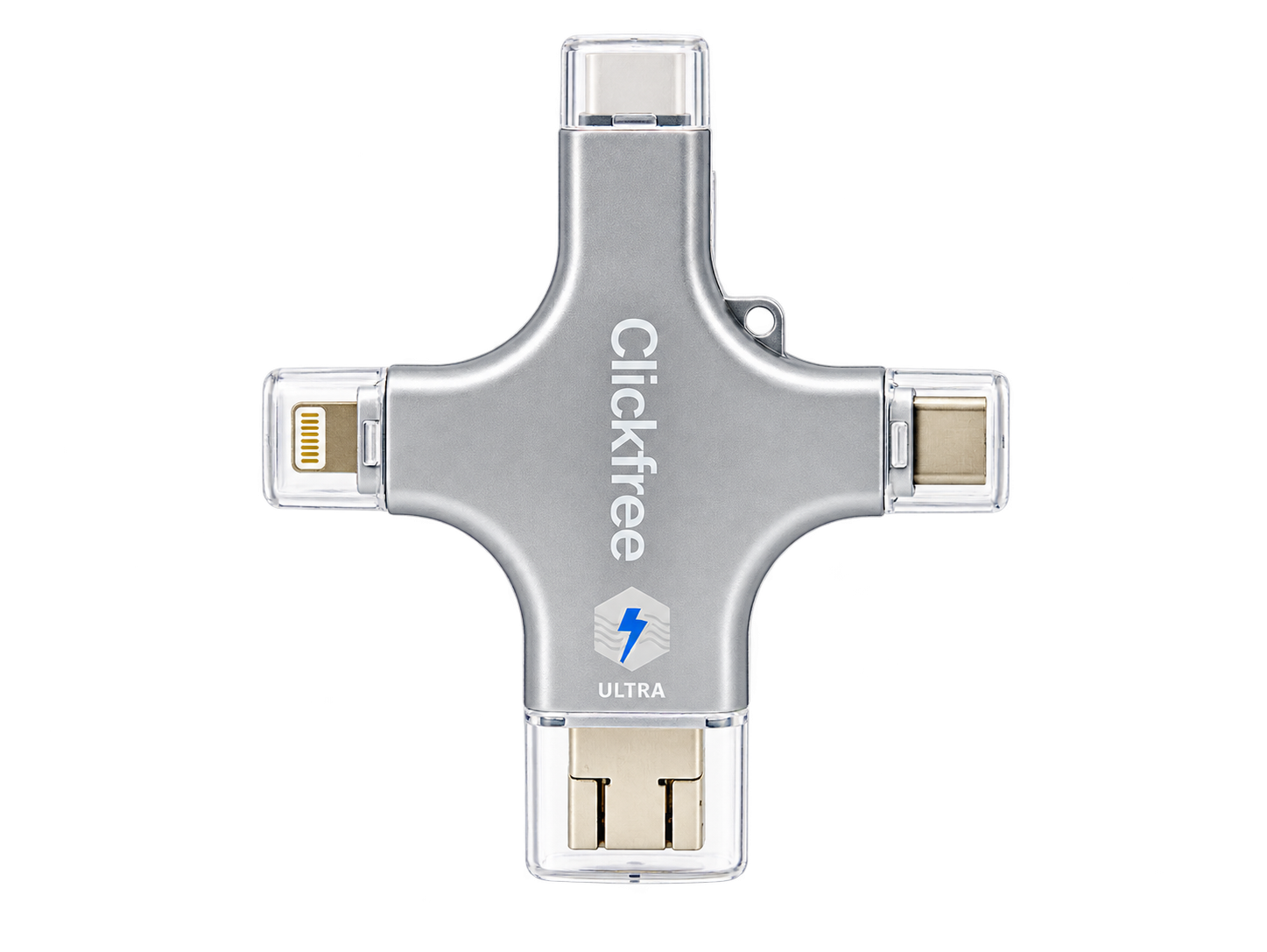
Clickfree Ultra
A photo-backup device with a broader creative pitch: bring printed pictures into your collection and explore photo-editing tools alongside your digital backup.
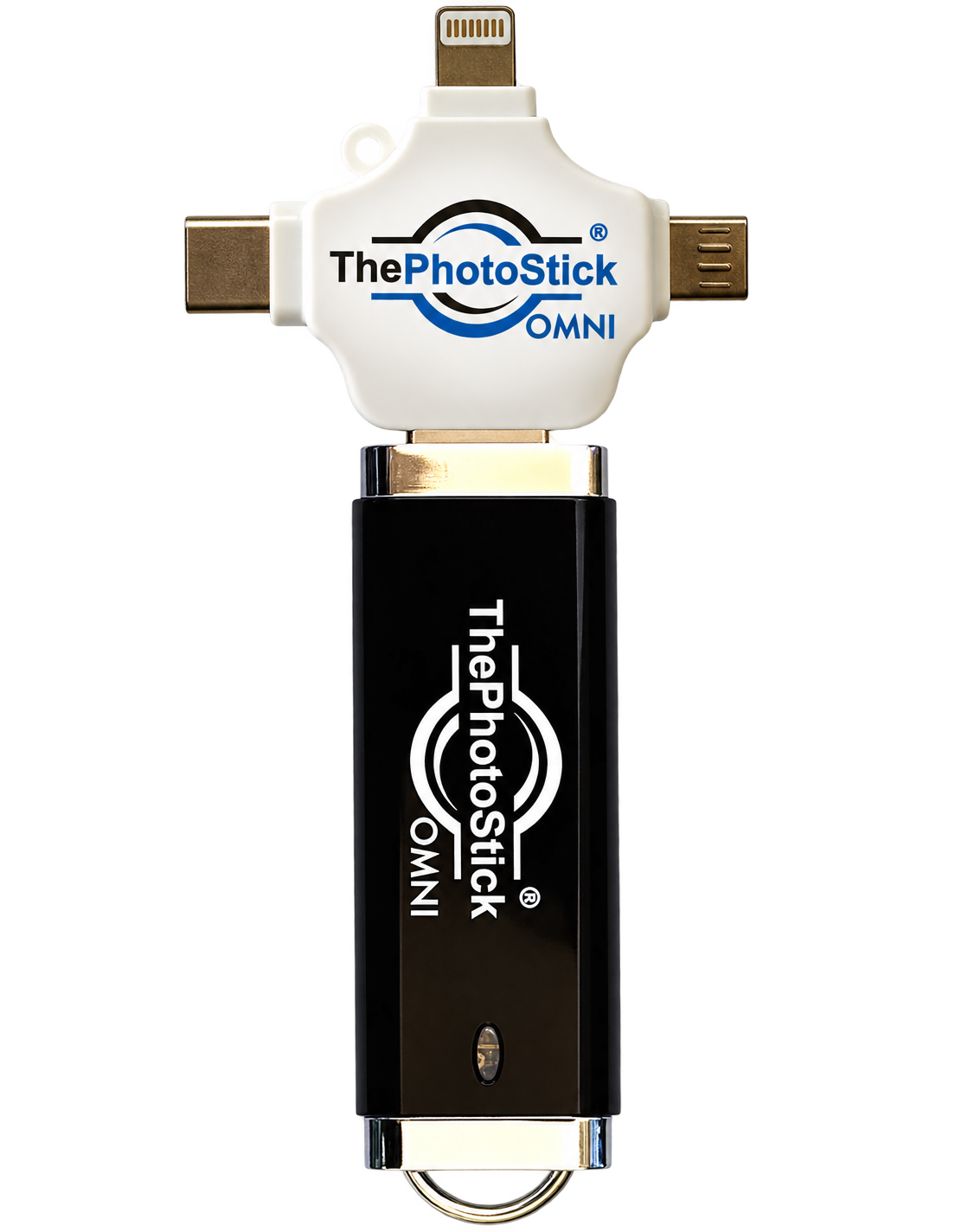
ThePhotoStick Omni
A dedicated photo-and-video backup option, focused on finding and saving the digital memories already stored on your compatible devices.
Ease of Use
A backup you’ll actually get around to making.
Clickfree Ultra: Connect the drive, open the companion app, and start your backup. Clickfree presents a simple route to keeping an extra copy of your photos. The practical question is how confidently you can get from plugging it in to knowing your pictures have saved.
ThePhotoStick Omni: Omni also uses a guided backup workflow, with mobile and computer instructions available. It is designed to find and copy your media without making you move every picture individually. Setup and permissions still matter with either device.
Winner: Draw. Both offer app-guided photo backup. Neither has a demonstrated speed or reliability advantage in this comparison.
Saving Printed Photos
Because a lifetime of memories doesn’t all live on your phone.
Clickfree Ultra: Clickfree’s photo-scanning workflow is the feature that makes this comparison interesting. It gives you a way to bring printed pictures into your digital collection using your phone—so the family album can become something you can back up and pass along.
ThePhotoStick Omni: Omni’s documented focus is backing up existing digital files. You can digitize a printed photograph with your phone or another scanning tool first, then include that digital image in a backup. That adds a separate capture step to the process.
Winner: Clickfree. For a family collection that includes boxes of printed photographs, its photo-scanning workflow is a useful addition to digital backup.
Bringing Old Photos Back to Life
The picture you remember, ready to be enjoyed again.
Clickfree Ultra: The Ultra is offered with an AI editing suite. Depending on the included tools and credits, you can explore enhancements such as colorizing or retouching a digitized picture. Keep the original alongside the edited version: AI produces an interpretation, and results vary.
ThePhotoStick Omni: Omni is principally a backup product. The documentation reviewed for this comparison does not describe an equivalent built-in AI photo-editing suite. You can still edit pictures with separate software and back up the finished files.
Winner: Clickfree. Its AI editing options give you more ways to revisit older pictures. The tools and credits included depend on the offer.
Sharing Memories with Family
A saved photo means more when someone gets to see it.

Clickfree Ultra: Bringing printed pictures into digital form opens up a lovely possibility: sending a forgotten family photo to someone who has never seen it. Clickfree’s capture and editing features help prepare those pictures for sharing through your usual phone apps.
ThePhotoStick Omni: Omni also lets you retrieve and transfer saved files. If your photos are already digital and ready to send, that can be all you need. Sharing is not exclusive to either product; the difference is what happens before the picture is ready.
Winner: Draw. Both let you retrieve digital photos to share. Clickfree’s scanning and editing advantages are covered above.
Value for Money
Pay for the features you’ll use—and the memories you want to keep.
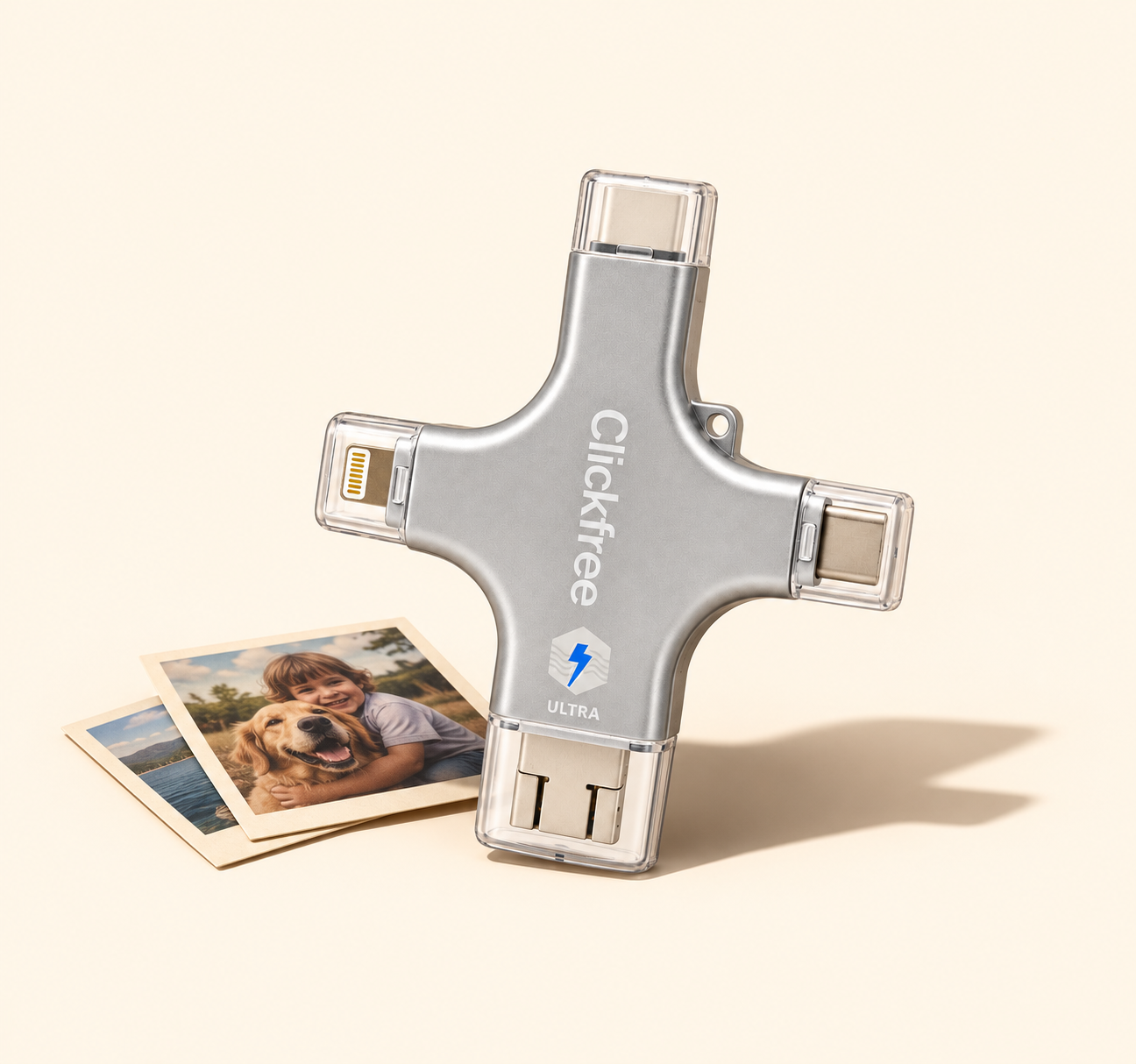 Clickfree UltraThePhotoStick Omni
Clickfree Ultra: For a family collection that spans a phone and physical albums, the combination of backup, scanning, and editing is the reason to consider Clickfree. Assess the offer as a whole: storage capacity, included AI use, accessories, support, and the final checkout price.
ThePhotoStick Omni: If your main goal is a second copy of files you already have, Omni may cover that job without your needing the extra creative features. Compare equal storage sizes and current offers before deciding which represents better value for your needs.
Winner: Clickfree, for a mixed photo collection. Backup, scanning, and editing make it our preference for this reader. Compare current prices and included features at the same storage capacity before buying.
The Bottom Line: Clickfree Is Our Pick.
If your collection starts on your phone and stretches back through decades of family albums, Clickfree has the more compelling feature mix. The appeal is being able to bring printed pictures into your collection, explore ways to refresh them, and make them ready to enjoy with family.
ThePhotoStick Omni remains worth considering for straightforward digital backup. For the family memory keeper who wants to do more with older photographs, our choice is Clickfree.